
Download Google Maps Extractor – lead generation, business data extraction, Google Maps data, data mining, marketing tool, business intelligence, CRM integration, CSV export, automation tool, free tool, Google Maps scraper
Overview
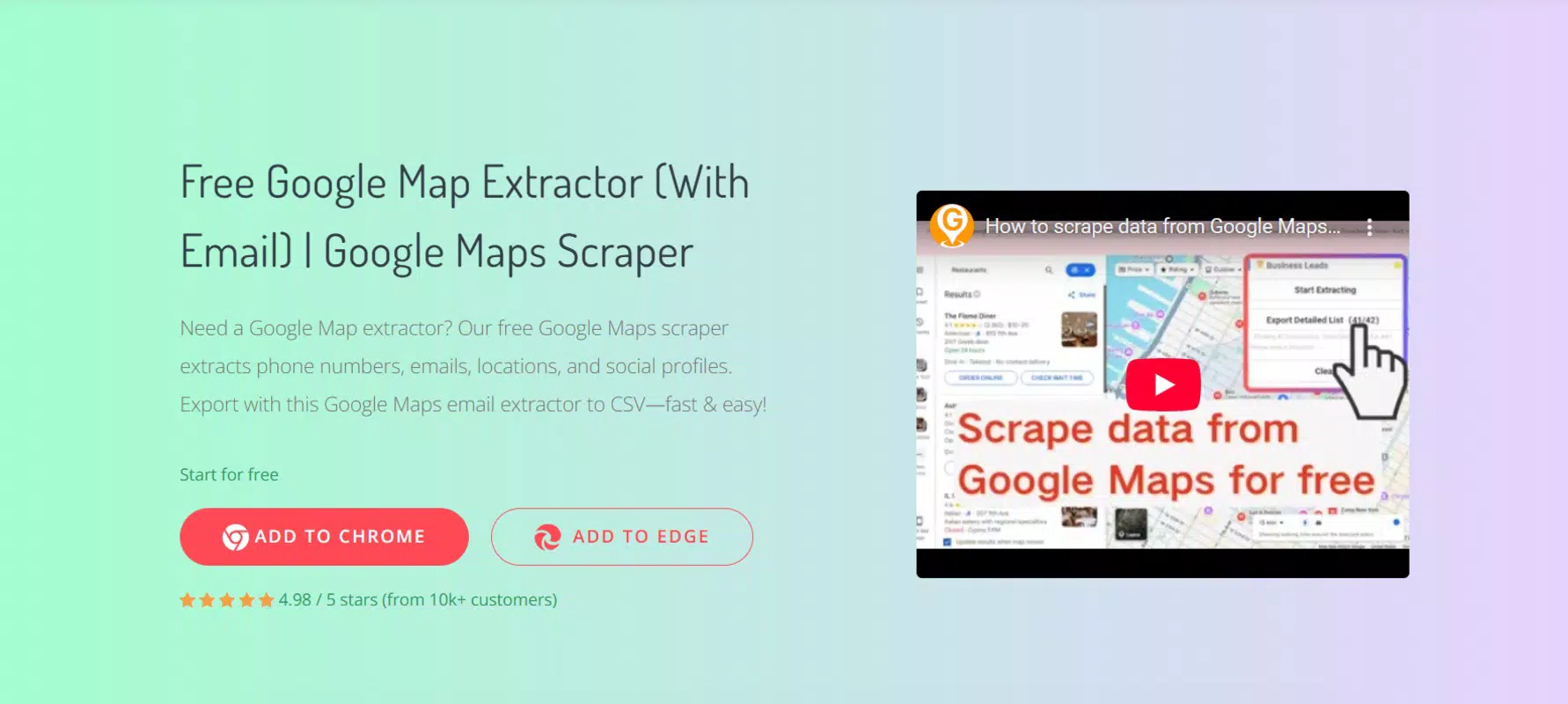
Google Maps Extractor is a mobile application designed to streamline the process of business lead generation by extracting structured data directly from Google Maps. The app enables users to collect critical business information such as phone numbers, email addresses, physical locations, website links, and social media profiles, all within a single, unified interface. This functionality is particularly valuable for sales professionals, digital marketers, and small business owners who rely on accurate, up-to-date data for outreach campaigns and market research.
The tool supports the extraction of approximately 18 distinct data dimensions, offering a comprehensive dataset that enhances the quality and relevance of generated leads. By automating what would otherwise be a time-consuming manual process, Google Maps Extractor reduces the effort required to gather market intelligence. Its primary purpose is to empower users with fast, reliable access to actionable business data, enabling more strategic decision-making and improved campaign performance.
Target users include marketing teams, real estate agents, franchise recruiters, and independent entrepreneurs who need to identify and contact potential clients or partners. The app operates as a utility within the productivity category, fitting seamlessly into workflows that prioritize efficiency and data accuracy. While the developer did not provide additional technical details, the application’s focus on automation and data export suggests a strong alignment with modern business intelligence needs. As part of the broader digital ecosystem, Google Maps Extractor fills a niche by offering a free, accessible solution for data-driven marketing activities.
Key Features & Functionality
- Automated Business Data Extraction: The app automatically pulls business details from Google Maps, including names, addresses, phone numbers, websites, and social media profiles, reducing manual input and minimizing errors.
- Support for 18+ Data Dimensions: It captures a wide range of information such as business hours, ratings, reviews, categories, and location coordinates, providing a holistic view of each listed entity.
- CSV Export Capability: Collected data can be exported in CSV format, allowing seamless integration with CRM systems, spreadsheets, or marketing platforms for further analysis and campaign deployment.
- Intuitive User Interface: Designed for ease of use, the interface allows users to initiate data collection with minimal setup, making it accessible even to non-technical users.
- Low User Intervention: Once configured, the tool operates with minimal oversight, enabling users to run data collection tasks in the background while focusing on strategy and follow-up.
For example, a real estate agent could use the app to extract contact details of all local property management companies within a 10-mile radius. Similarly, a digital marketer launching a new service could identify competitors and their contact points to initiate outreach. The automation of data gathering significantly reduces time spent on research, allowing users to shift focus toward conversion and relationship building.
Interface, UX & Performance
Google Maps Extractor features a clean, minimalist interface optimized for mobile use. The layout prioritizes functionality with clearly labeled buttons and straightforward navigation, enabling users to start data extraction with just a few taps. Visual elements are consistent and uncluttered, promoting quick comprehension and efficient task execution.
Navigational flow is linear and intuitive—users enter a search term or location, select filters if needed, and initiate extraction. The app responds promptly to user inputs, maintaining smooth interaction without noticeable lag. Although the developer did not list formal performance metrics, the app’s lightweight size of 4.3 MB suggests efficient resource usage, which typically correlates with stable performance across a range of Android devices.
Responsiveness appears to be well-optimized, with minimal delays during data retrieval and export processes. Stability is expected to be high given the app’s focused functionality and lack of complex background operations. Users can expect consistent behavior during extended use, though real-world performance may vary depending on network conditions and device capabilities. The developer did not specify minimum OS requirements, so compatibility across different Android versions remains uncertain.
Platform Compatibility & Technical Requirements
Google Maps Extractor is available exclusively on the Android platform. It is designed to run on Android devices and requires a compatible operating system, though specific version details were not disclosed by the developer. The app has a file size of 4.3 MB, indicating a lightweight footprint that should not strain device storage or battery life.
Given its size and purpose, the application is likely optimized for a wide range of Android devices, including mid-tier and budget smartphones. However, the developer did not specify minimum OS requirements, screen resolution, or hardware capabilities. As such, users should ensure their device meets general Android compatibility standards for third-party apps. The app’s reliance on Google Maps integration implies that a stable internet connection and access to the Google Maps service are essential for full functionality.
Pros and Cons
Pros
- Free to use with no hidden costs or subscription models.
- Supports extraction of 18+ business data points for comprehensive lead profiles.
- CSV export enables easy integration with CRM and analytics tools.
- User-friendly interface suitable for non-technical users.
- Automation reduces manual effort and increases data collection speed.
Cons
- Platform availability limited to Android only.
- Specific technical requirements and OS compatibility were not disclosed.
- Dependence on Google Maps service may affect functionality if maps are restricted or unavailable.
- No information provided on update frequency or long-term maintenance.
- Privacy and data usage policies were not publicly shared.
FAQ
Is Google Maps Extractor safe to use?
The app is developed by Google, a trusted technology provider, which suggests a high level of security and integrity. However, users should ensure they comply with Google’s Terms of Service when using any tool that interacts with Google Maps data.
Can I use this app on iOS devices?
Currently, the app is only available for Android. There is no official iOS version released at this time.
How often does the app update?
The developer did not specify an update schedule. Users should monitor the official store listing for new releases.
What kind of data can I extract?
Users can extract up to 18 different data dimensions, including business names, addresses, phone numbers, websites, social media links, and location coordinates.
Is my data secure when using the app?
While the app is developed by Google, specific data handling and privacy policies were not disclosed. Users are advised to review applicable terms before using the tool.
Final Thoughts
Google Maps Extractor stands out as a powerful, accessible tool for modern lead generation and market research. Its ability to automate the collection of rich business data directly from Google Maps offers a significant advantage for professionals in sales, marketing, and real estate. With a clean interface, robust data extraction, and seamless CSV export, the app delivers tangible value without requiring technical expertise.
Although limited to Android and lacking detailed technical disclosures, its free model and focus on productivity make it a compelling choice for individuals and small businesses seeking efficient data solutions. The app’s integration with Google’s ecosystem enhances its reliability and usability, positioning it as a smart addition to any data-driven workflow.
For anyone looking to enhance their outreach efforts with accurate, organized business intelligence, Google Maps Extractor provides a practical and forward-thinking solution. Download Google Maps Extractor now.


